
Auto-Populate Airtable with AI Tool Data from Image Sheets
Reduce manual data entry and research time by over 90%, building a dynamic, searchable Airtable database of AI tools and their competitive landscape.
Manually extracting tool names, attributes, and competitors from visual logo sheets is a time-consuming and error-prone process. This workflow leverages AI vision to automatically extract structured data from image inputs and instantly organize it into a dynamic Airtable database.



Documentation
AI Logo Sheet Data Extraction & Airtable Automation
This powerful n8n workflow automates the often tedious task of extracting valuable information from visual AI tool logo sheets. Ideal for market researchers, product managers, and growth teams, it transforms unstructured image data into an organized, actionable Airtable database.
Key Features
- AI-Powered Image Recognition: Automatically extracts tool names, attributes, and similar products directly from uploaded image files.
- Intelligent Data Structuring: Transforms raw visual information into a clean, JSON-formatted output, ready for database integration.
- Dynamic Airtable Integration: Automatically creates new attributes and tools, or updates existing records in your Airtable base, ensuring data consistency.
- Duplicate Prevention: Uses unique hashing for tool names and attributes to prevent redundant entries and maintain data integrity.
- Competitive Landscape Mapping: Identifies and links similar tools, providing immediate insights into the competitive ecosystem of each product.
How It Works
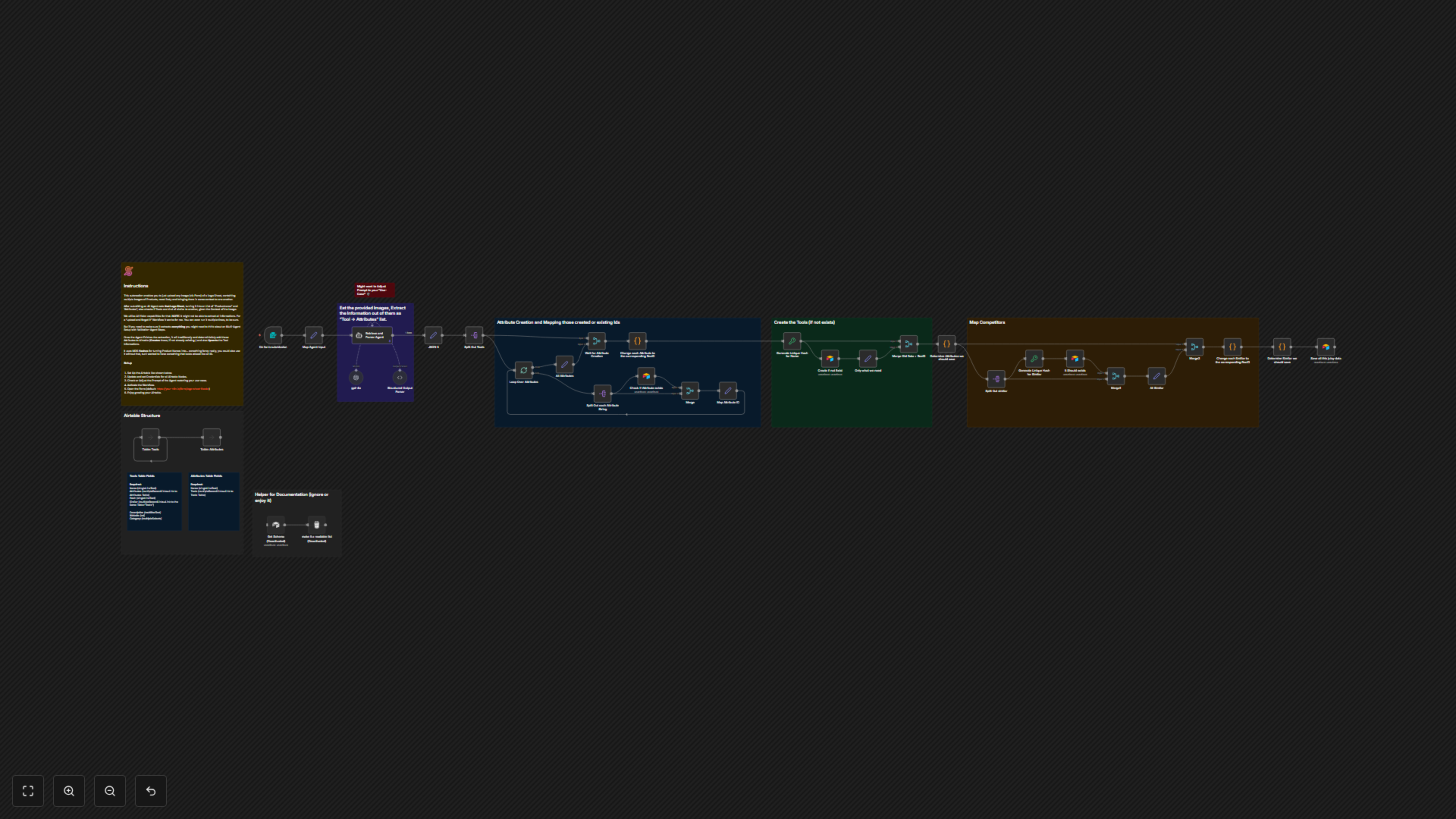
The workflow begins when you submit an image of an AI tool logo sheet through a simple n8n form. This image, along with any optional contextual prompt, is then fed to an advanced AI Agent powered by GPT-4o and LangChain. The AI analyzes the visual data, identifies individual tools, their key attributes (e.g., categories, features), and any comparable tools shown in the context. The extracted structured JSON data is then processed: attributes are upserted into a dedicated 'Attributes' table in Airtable, ensuring unique entries. Simultaneously, tools are upserted into a 'Tools' table, linked to their respective attributes and similar tools, effectively building a comprehensive and interconnected database.