
Cross-Platform Multi-Source Document OCR
Automatically converts receipts or invoices into structured spreadsheet entries and eliminates typing errors and repetitive data entry forever.
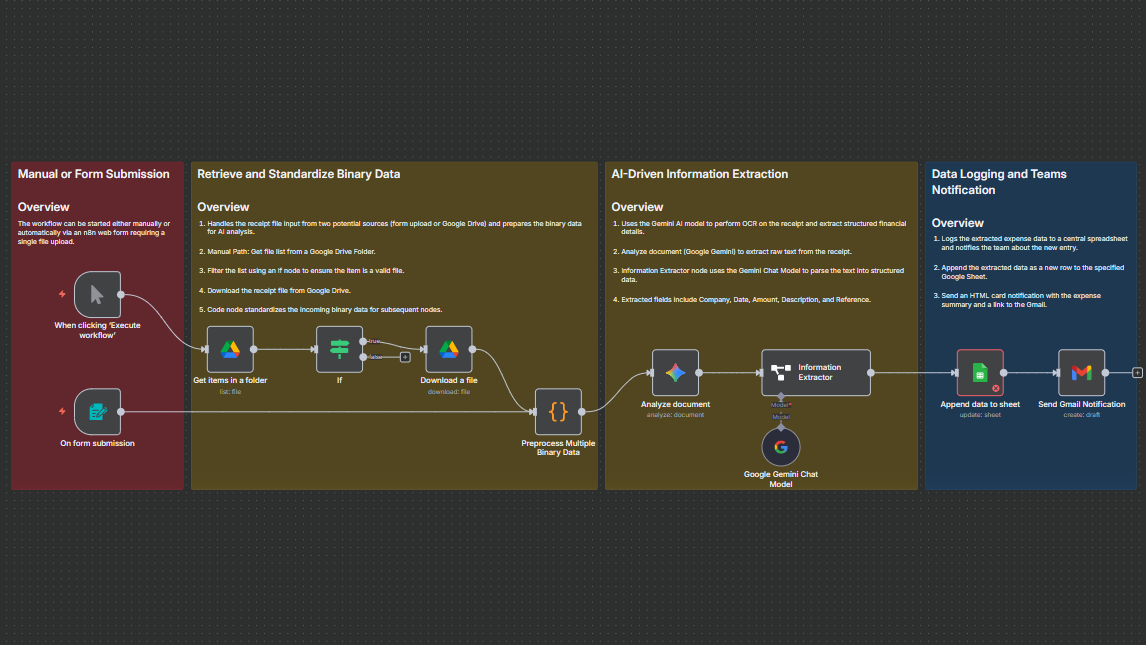
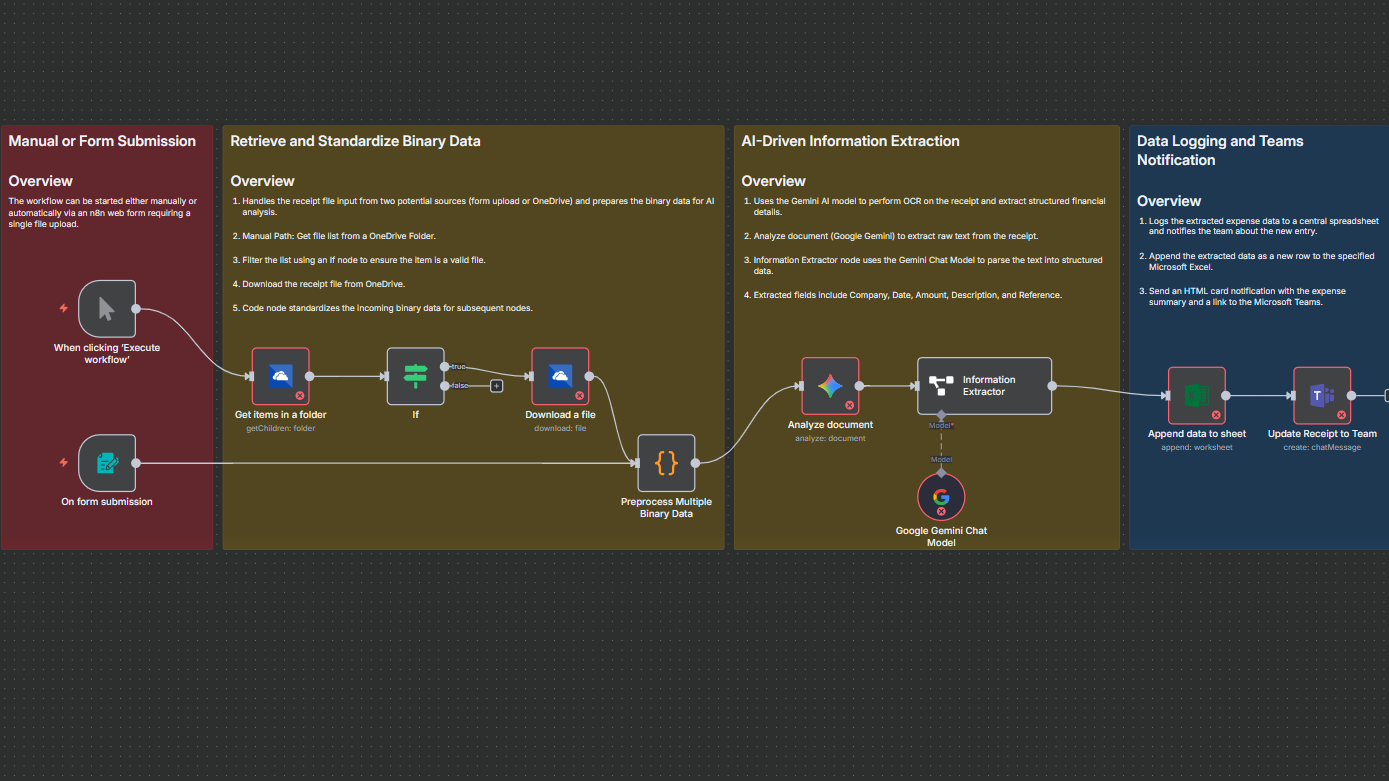
This workflow automates document processing from multiple input sources, whether a manual upload form, Google Drive, or Microsoft OneDrive. It uses Gemini AI to extract structured details like company names, dates, amounts, and references from receipts or invoices, then logs the data in a spreadsheet and alerts your team instantly. Perfect for finance, accounting, or admin teams managing high-volume document flows.


Documentation
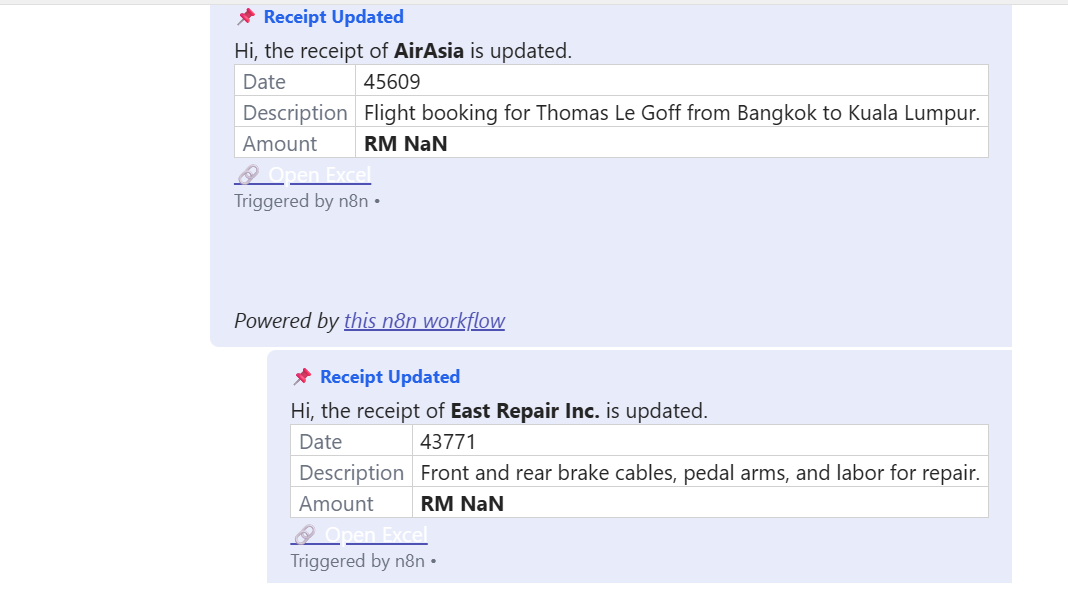
Say goodbye to manual data entry. This workflow connects your cloud drives and AI to handle receipts, invoices, or expense forms automatically. When users submit a form or upload to Drive/OneDrive, the workflow extracts the document, applies AI-powered OCR using Gemini 2.5 Flash, and pulls out key information such as vendor, date, total, and reference details.It then stores everything neatly in Google Sheets or Microsoft Excel Online, followed by an instant notification to your team with a link to the updated record. Built for hybrid workplaces, it unifies Google and Microsoft environments into a single smart document pipeline.