
Automate Spotify Track Archiving & AI Playlist Curation
Automatically classify and add hundreds of tracks to relevant Spotify playlists monthly, reducing manual organization time by over 90% and maintaining a perfectly curated music library.
Manually organizing your ever-growing Spotify music library into perfectly curated playlists can be an overwhelming and time-intensive task. This n8n workflow automates the monthly archiving of your liked tracks to Google Sheets and intelligently classifies them using AI, ensuring your music is always perfectly categorized without manual effort.



Documentation
Overview: Automated Spotify Track Archiving and AI Playlist Curation
Manually organizing your ever-growing Spotify music library into perfectly curated playlists can be an overwhelming and time-intensive task. This n8n workflow automates the monthly archiving of your liked tracks to Google Sheets and intelligently classifies them using AI, ensuring your music is always perfectly categorized without manual effort.
Key Features & Benefits
- Automated Archiving: Systematically stores your Spotify listening history in Google Sheets for a comprehensive record.
- Intelligent AI Classification: Leverages advanced AI (Claude 3.5) to analyze track characteristics and assign them to multiple relevant playlists, enhancing organization.
- Duplicate Prevention: Automatically filters out tracks already logged in your Google Sheet, ensuring a clean and efficient archive.
- Scheduled Operations: Configure the workflow to run monthly, weekly, or on a custom schedule, keeping your playlists consistently updated.
- Effortless Playlist Curation: Automatically adds newly classified tracks to their respective Spotify playlists.
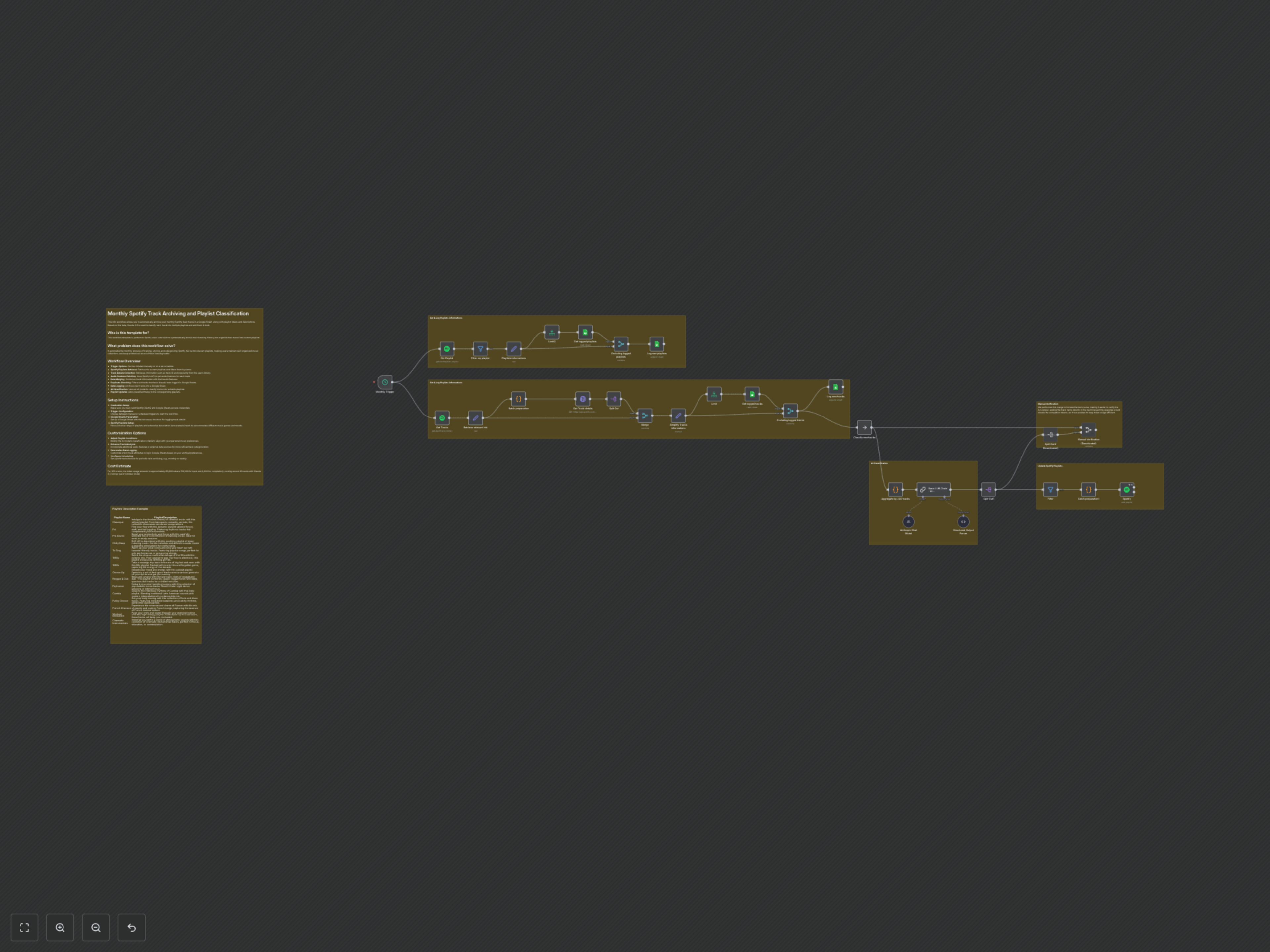
How It Works: A Step-by-Step Breakdown
- The workflow is triggered either manually or on a set schedule (e.g., monthly).
- It first retrieves all your Spotify playlists, filtering them by owner, and logs new ones to a Google Sheet.
- Next, it fetches your saved Spotify tracks, extracts relevant details like track ID, artist, album, and popularity, and retrieves their audio features (danceability, energy, tempo, etc.) from the Spotify API.
- Track information and audio features are merged, and any tracks already present in your Google Sheet archive are filtered out to avoid duplicates.
- New tracks are then logged into your designated Google Sheet, creating a persistent record.
- The AI model (Anthropic via LangChain) receives the new track data, along with your existing playlist names and their detailed descriptions from Google Sheets. It then intelligently classifies each track into one or more suitable playlists.
- Finally, the workflow updates your Spotify account by adding the classified tracks to their respective playlists.
Customization Options
- Adjust AI Classification: Modify the AI model’s prompt and criteria to align precisely with your personal music preferences and genre definitions.
- Enhance Track Analysis: Incorporate additional audio features or external data sources for more refined track categorization.
- Personalize Data Logging: Customize which track attributes to log in Google Sheets based on your archival preferences.
- Configure Scheduling: Set a preferred schedule for periodic track archiving, e.2.g., monthly or weekly.
Cost Estimate
For classifying 300 tracks, the AI model (Claude 3.5 Sonnet) typically consumes approximately 60,000 tokens (58,000 for input and 2,000 for completion), costing around $0.20 as of October 2024. Actual costs may vary based on token prices and the volume of tracks processed.