
Automate HubSpot Data Imports: Validate & Map CSV
Automate your HubSpot data imports, reducing manual field mapping time by up to 90% and ensuring data accuracy across all CRM objects.
Manually importing CSV data into HubSpot leads to tedious field matching, errors, and outdated property definitions. This n8n workflow automates HubSpot data imports by first synchronizing property definitions to a Google Sheet, then validating uploaded CSV fields against these definitions, and providing an interactive mapping interface for discrepancies.


Documentation
Automate HubSpot Data Imports: Validate & Map CSV Fields
This n8n workflow offers a robust solution for streamlining your HubSpot data import process. It ensures that your CSV files are accurately mapped to HubSpot CRM properties, preventing errors and saving significant manual effort.
Key Features
- Dynamic HubSpot Property Sync: Automatically fetches and updates HubSpot CRM object properties (companies, contacts, deals, leads, tickets) to a central Google Sheet for an up-to-date reference.
- Intelligent CSV Validation: Compares uploaded CSV headers against the latest HubSpot property definitions stored in Google Sheets, ensuring data integrity.
- Interactive Field Mapping: Provides a user-friendly form to resolve field mismatches, allowing you to easily map unknown CSV headers to the correct HubSpot properties.
- Effortless Data Upload: Securely imports validated and mapped CSV data directly into your chosen HubSpot CRM object.
How It Works
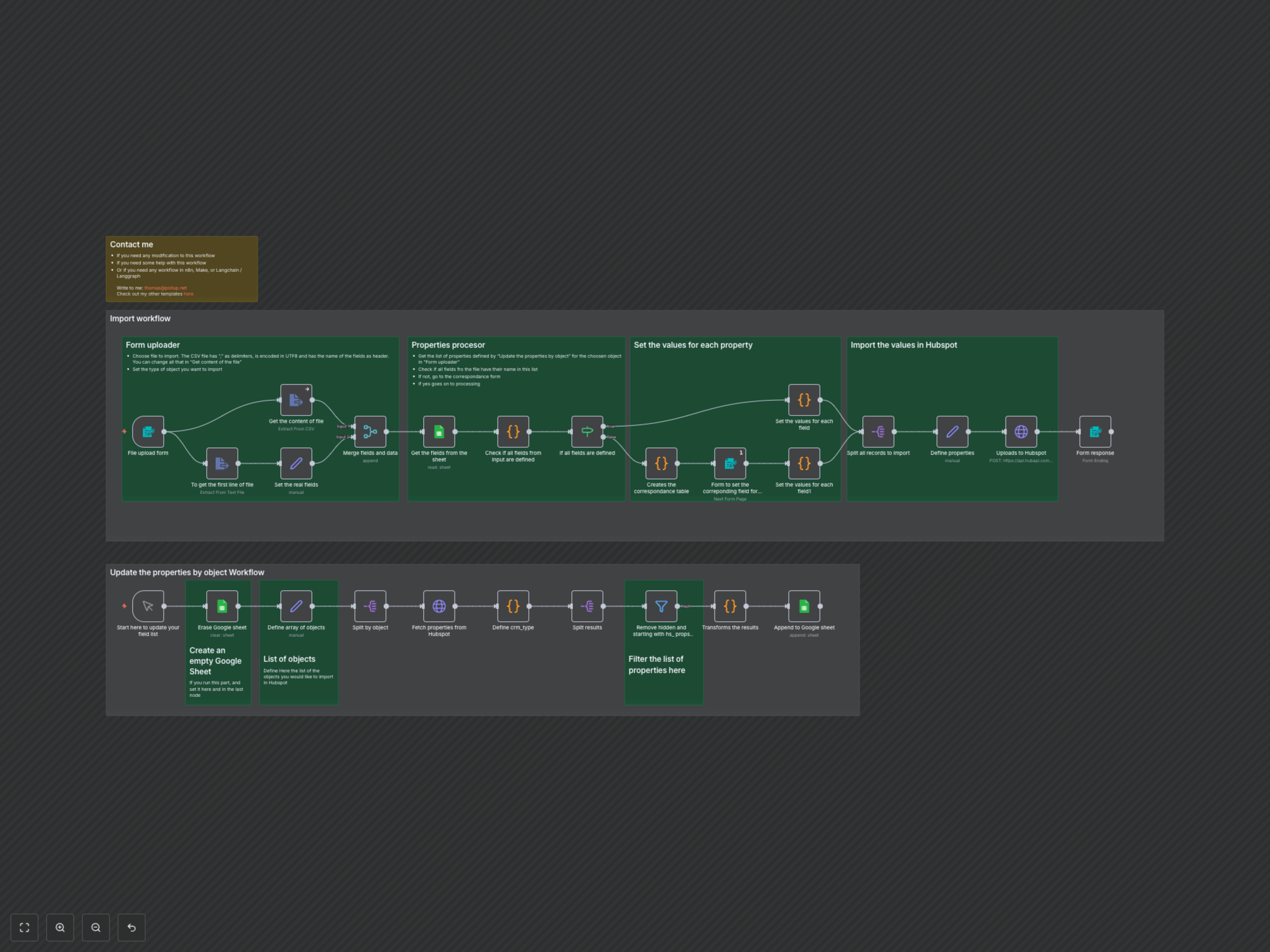
The workflow operates in two main phases. First, an initial setup or periodic run (triggered manually) populates a designated Google Sheet with all active, non-hidden, non-system-defined properties for your chosen HubSpot CRM objects (companies, contacts, deals, leads, and tickets). This ensures you always have an up-to-date reference for HubSpot's field structure. Second, when you need to import data, you upload a CSV file and select the target HubSpot object type. The workflow then intelligently compares your CSV headers against the HubSpot properties listed in the Google Sheet. If any fields in your CSV do not directly match a HubSpot property, it presents an interactive form where you can easily map your CSV columns to the correct HubSpot properties. Once validated and mapped, all records from your CSV are processed and securely uploaded to your specified HubSpot CRM object.