
Automate Spotify Track Archiving & AI Playlist Curation with n8n
Eliminate hours of manual Spotify track organization and playlist curation each month, ensuring your music library is always perfectly categorized with AI precision.
Manually archiving Spotify tracks and organizing them into relevant playlists is a time-consuming and often neglected task for music enthusiasts. This n8n workflow automates the entire process, using AI to intelligently classify your newly liked tracks and add them to appropriate Spotify playlists, ensuring your library is always organized.


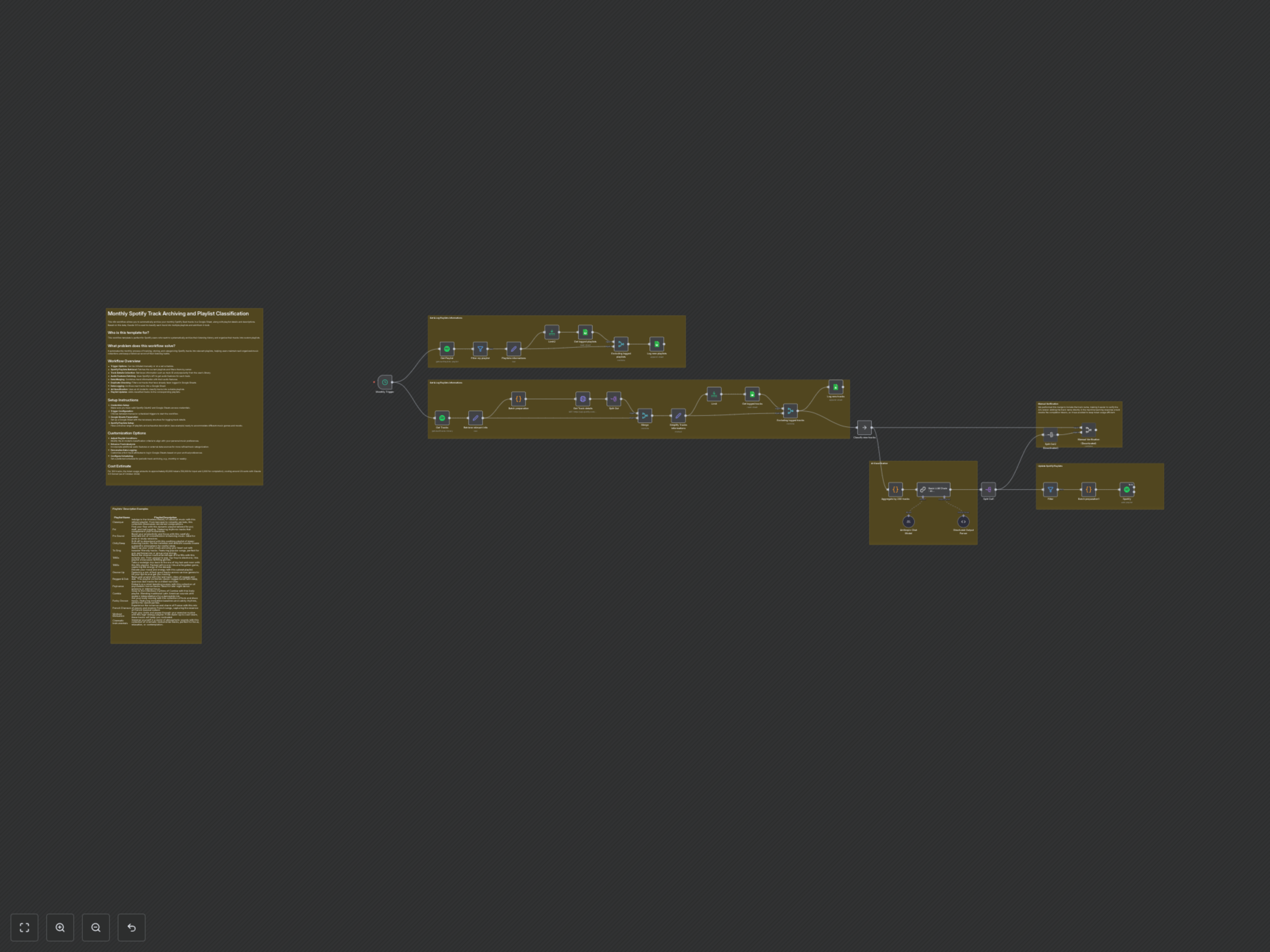

Documentation
Monthly Spotify Track Archiving and AI-Powered Playlist Curation
This n8n workflow is designed for Spotify users who want to systematically archive their listening history and organize their tracks into custom playlists without any manual effort. It solves the challenge of manually tracking, storing, and categorizing Spotify tracks by automating the entire process.
Key Features
- Automated Trigger: Can be initiated manually or set to run on a recurring schedule (e.g., monthly).
- Spotify Data Retrieval: Efficiently fetches your personal Spotify playlists and liked track details, including audio features.
- Intelligent AI Classification: Utilizes an AI model (Claude 3.5 Sonnet) to analyze track characteristics and assign them to multiple suitable playlists based on your custom descriptions.
- Google Sheets Integration: Archives all new tracks and playlists into Google Sheets, creating a historical record and preventing duplicates.
- Optimized Playlist Updates: Adds classified tracks to their respective Spotify playlists in efficient batches.
How It Works
The workflow is initiated by a monthly trigger (customizable to your preference). First, it retrieves your Spotify playlists, filters for those you own, and logs any new ones to a dedicated Google Sheet. Simultaneously, it fetches all tracks from your Spotify library, extracts key details (like artist, album, popularity, and Spotify URI), and retrieves detailed audio features (e.g., danceability, energy, tempo) using the Spotify API. This comprehensive track data is then merged and checked against a Google Sheet archive to prevent logging duplicates. All newly identified tracks are logged into your Google Sheet. Finally, these new tracks are aggregated into batches and sent to an AI model (Claude 3.5 Sonnet) via LangChain. The AI analyzes each track's characteristics against your Spotify playlist descriptions to classify them. The workflow then takes these AI-driven classifications and updates your Spotify account by adding the tracks to their respective playlists in bulk.
Customization Options
- Adjust the scheduling: Modify the Monthly Trigger node to run the workflow weekly, daily, or on a custom interval.
- Refine AI Classification: Enhance the AI model's prompt in the Basic LLM Chain node to fine-tune classification criteria based on your evolving music preferences.
- Customize Data Logging: Adjust the Simplify Tracks informations node to include or exclude specific track attributes logged to Google Sheets.