
Automate Contabo VPS Snapshots for Daily Data Protection
Automate daily Contabo VPS snapshots across all instances, saving hours of manual backup effort weekly and ensuring critical data recovery capabilities with 100% consistency.
Manual Contabo VPS backups are time-consuming and prone to errors, risking critical data loss and compliance issues. This workflow automates daily Contabo VPS snapshots, ensuring continuous data protection and significantly reducing manual server management overhead.

Documentation
Contabo Daily VPS Snapshot Automation
This powerful n8n workflow streamlines your server management by automating daily snapshots for all your Contabo Virtual Private Servers (VPS). Never worry about manual backups or data loss again; this solution ensures your VPS instances are consistently backed up, providing peace of mind and robust data recovery options.
Key Features
- Automated daily snapshot creation for all connected Contabo VPS instances.
- Intelligent snapshot lifecycle management: automatically deletes existing daily snapshots before creating new ones, maintaining a single, fresh backup per instance.
- Seamless integration with the Contabo API ensures reliable and secure operations.
- Configurable scheduling for precise control over backup windows.
How It Works
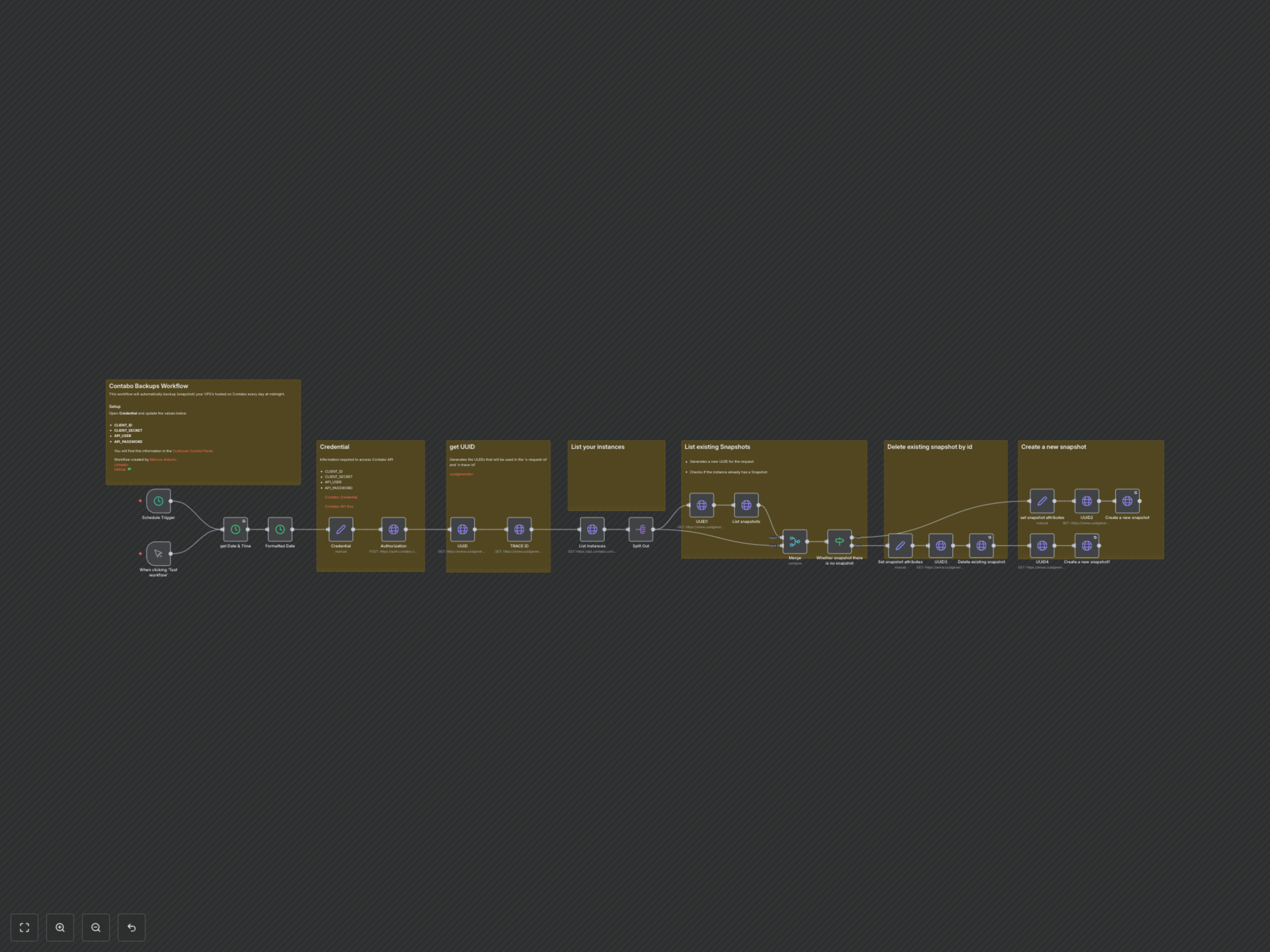
This workflow is designed to run automatically on a daily schedule (defaulting to midnight) or can be triggered manually. It begins by obtaining the current date and authenticating with the Contabo API using your provided credentials to secure an access token. Unique request and trace IDs are generated for each API call, ensuring proper tracking and logging.
The workflow then retrieves a comprehensive list of all your Contabo VPS instances. For each instance, it intelligently checks for any existing snapshots. If a previous snapshot is found, the workflow first identifies and deletes it to avoid accumulating old backups. Subsequently, a new snapshot is created for the VPS instance, named with the current date for easy identification and management. If no previous snapshot exists, a new snapshot is simply created.