
Streamline LLM Evaluation with Side-by-Side Performance Tracking
Automate side-by-side LLM output comparison and structured logging, accelerating model evaluation by 50% and enabling data-driven selection for optimal AI agent performance.


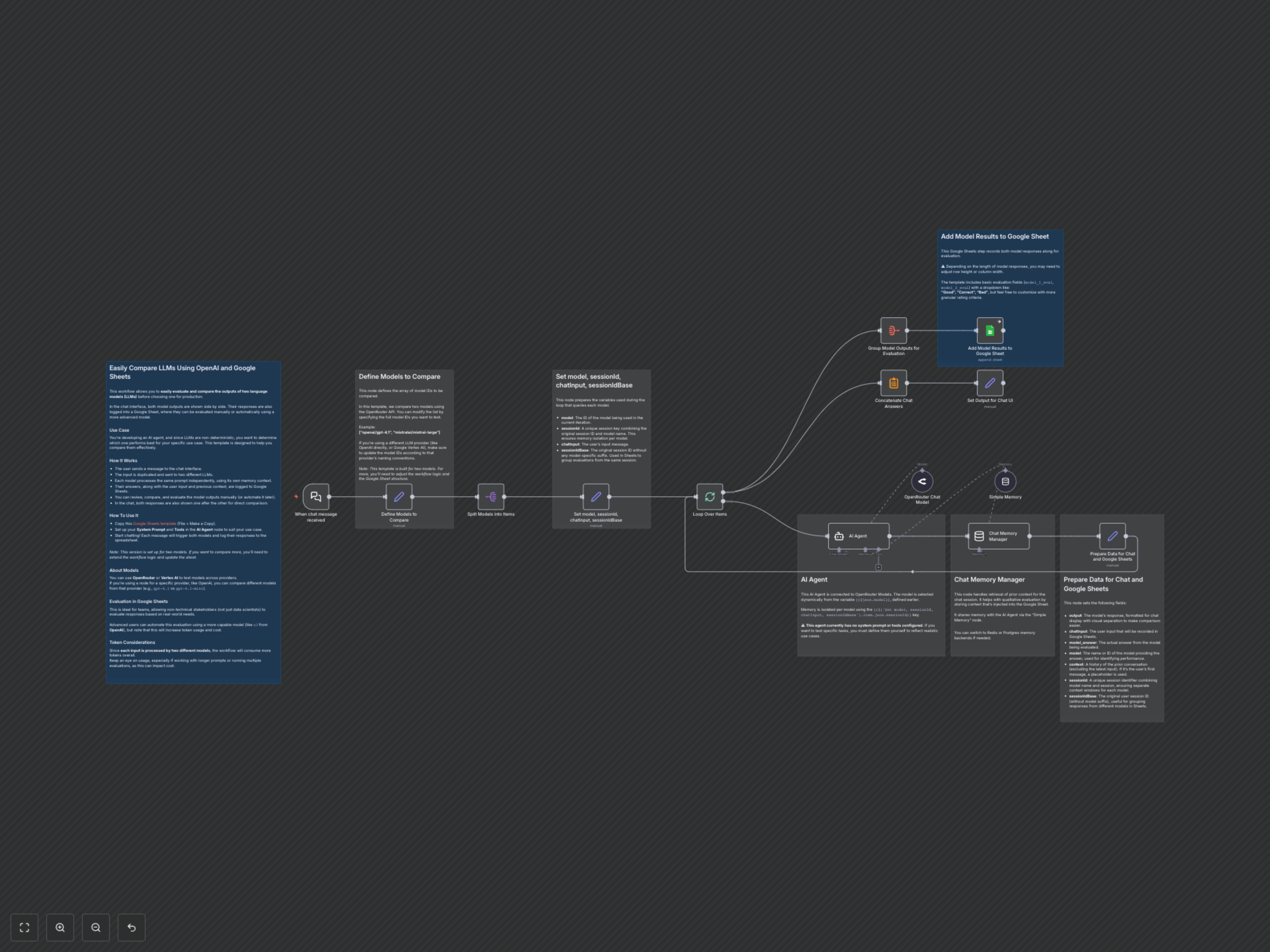
Manually comparing LLM outputs across different models is time-consuming and lacks structured evaluation. This n8n workflow automates side-by-side LLM output comparison, logging responses to Google Sheets for streamlined team evaluation and data-driven model selection.
Unlock Faster LLM Evaluation and Selection
Developing effective AI agents requires careful selection of Large Language Models (LLMs). This n8n workflow provides a robust solution for comparing different LLMs side-by-side, capturing their responses, and logging them for structured evaluation in Google Sheets, empowering teams to make data-driven decisions.
Key Features
- Parallel LLM Comparison: Automatically send the same prompt to two distinct LLMs simultaneously, generating instant comparative outputs.
- Dynamic Model Selection: Easily configure and switch between various LLMs (e.g., OpenAI, Mistral, different versions) using the OpenRouter API or specific provider nodes.
- Isolated Memory Context: Each LLM maintains its own conversation memory, ensuring fair and accurate evaluation of multi-turn interactions.
- Structured Data Logging: Automatically log user inputs, model responses, and conversation context to a Google Sheet for comprehensive team review and manual or automated scoring.
- Real-time Chat Comparison: View both model responses in the chat interface immediately after input, facilitating quick qualitative assessment.
- Team-Friendly Evaluation: Enable non-technical stakeholders to easily evaluate model performance using predefined criteria in Google Sheets.
How It Works
Upon receiving a chat message, the workflow duplicates the input and dispatches it to two predefined Large Language Models. Each model processes the prompt independently, leveraging its unique conversation memory. Their respective answers, along with the original user input and prior chat context, are simultaneously logged into a designated Google Sheet for detailed analysis. Concurrently, both model responses are displayed one after the other in the chat interface, providing an immediate side-by-side comparison. This systematic approach streamlines the evaluation process, allowing for efficient identification of the best-performing LLM for your specific application.