
Automate Discord Spam Moderation with AI & Human Review
Reduce manual moderation time by up to 70% and ensure consistent handling of spam messages across all channels.
Manually monitoring Discord channels for spam is a time-consuming and inconsistent task for community managers. This workflow automates spam detection using AI and integrates human-in-the-loop moderation, drastically reducing manual effort and ensuring consistent community standards.


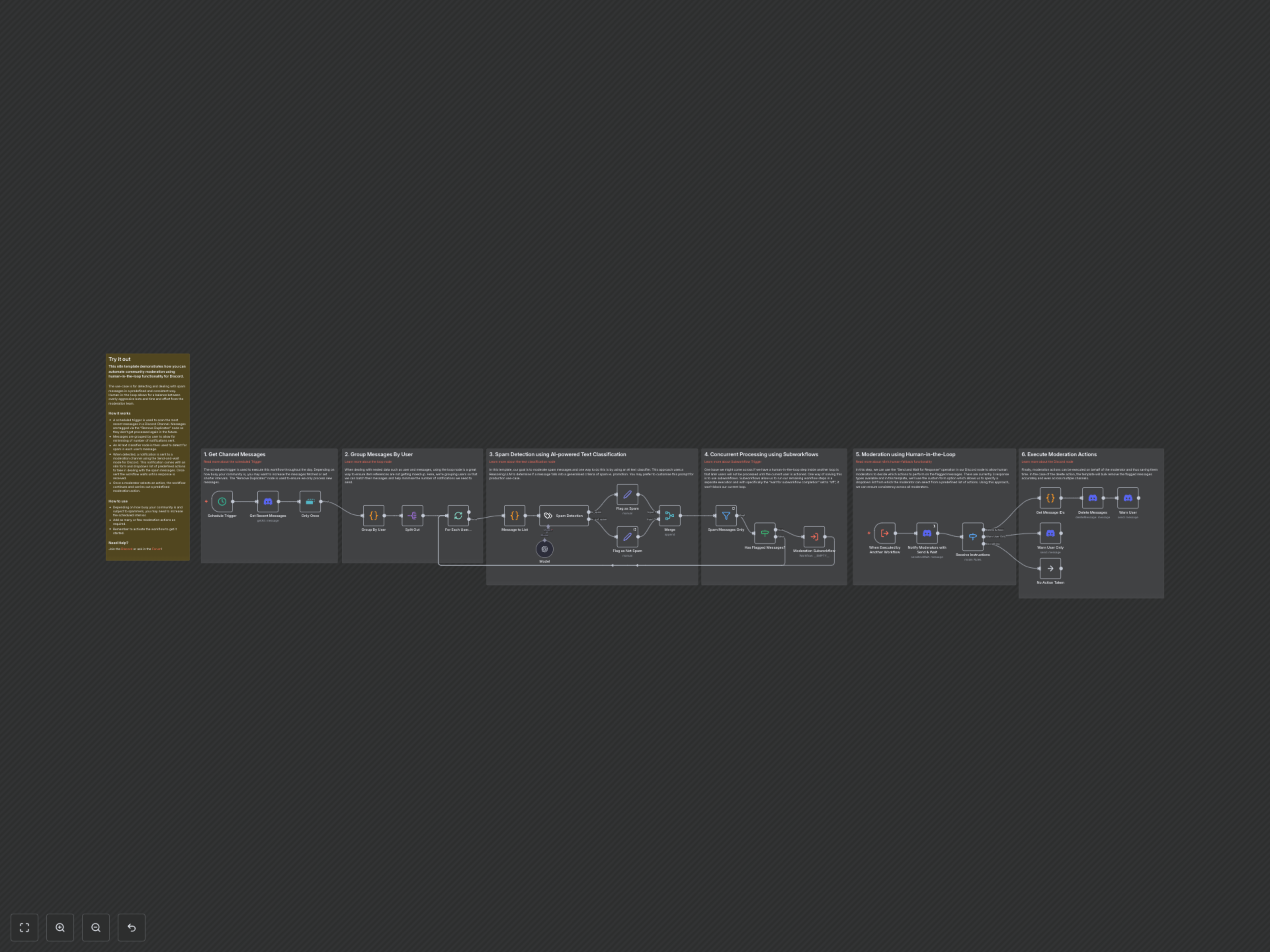

Documentation
Discord Community Spam Moderation with AI & Human Oversight
This n8n workflow revolutionizes Discord community management by automating the detection and handling of spam messages. It combines advanced AI text classification with essential human oversight, providing a balanced and efficient moderation system.
Key Features
- AI-powered spam detection using large language models for accurate classification.
- Human-in-the-loop moderation for final decision-making and consistency.
- Automated actions: delete messages, warn users, or take no action.
- Efficient processing: groups messages by user to minimize notifications and uses subworkflows for concurrent moderation.
- Scheduled scanning of Discord channels for continuous monitoring.
How It Works
The workflow begins with a scheduled trigger that regularly scans recent messages from a specified Discord channel, filtering out duplicates to ensure only new content is processed. These messages are then grouped by user to streamline the moderation process and minimize notifications. An AI text classifier, powered by OpenAI via LangChain, analyzes each message to detect potential spam based on predefined categories. If spam is identified, the workflow uses subworkflows for concurrent processing, allowing the main flow to continue while sending a human-in-the-loop notification to a designated moderation channel on Discord. Moderators receive a custom form with predefined actions (e.g., delete, warn, do nothing) to choose from. Once an action is selected, the workflow executes the moderation action automatically, deleting messages and/or warning users, ensuring rapid and consistent community management.